Compare · Ops & automation · Oct 2026
Incident.io vs PagerDuty AI for incident ops (Oct 2026): incident record vs paging
Incident.io holds the record and the status update. PagerDuty pages. Read Incident.io and PagerDuty AI. This page does not tell you to rip one out.
What this page covers
Responders ask which AI to talk to during an incident. The answer follows the job. Acknowledgement and escalation live where the page fires. The customer-facing timeline and status update live where the incident record lives. A writing project such as Claude for incident ops is a scratch pad, not a third system of record. We did not fetch new prices for either vendor.

Major features (with how someone uses them)
Examples at a glance: each feature has a concrete ops example plus a short Try this.
1. Name the job before the tool (primary)
What it is: If the job is “who is awake,” use the pager. If the job is “what do we tell customers,” use the incident record. Do not draft the customer line in the pager and the page decision in the incident tool.
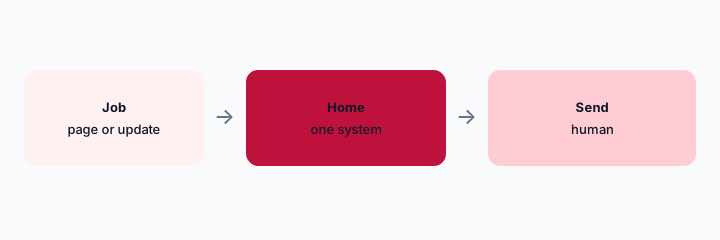
Primary workflow:
Write the next action in five words. If it is a page, open PagerDuty. If it is an update, open the record.
2. Humans send both
What it is: An AI draft on either side does not ack, escalate, or publish a status page. Incident.io and PagerDuty AI both keep that human step. Severity is a human decision.
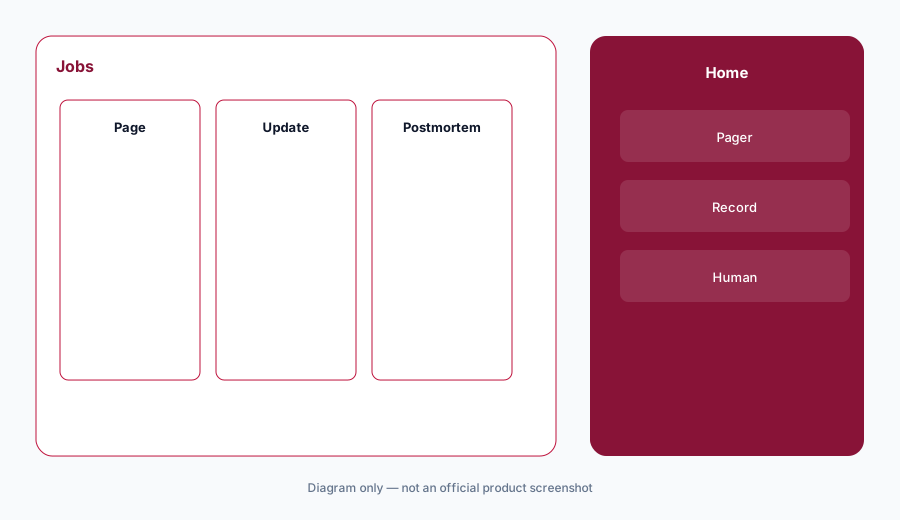
Send check:
Before you publish, point at the human who approved the text. If you cannot, do not publish.
3. Signals are upstream
What it is: Graphs and errors are not the record and not the page. Datadog Bits or Sentry AI may explain a signal. The incident record still gets a human sentence. Do not auto-open incidents from every assistant paragraph.
Open check:
Write what is allowed to open an incident. An assistant paragraph is not on the list.
4. One record
What it is: Two incident records mean two timelines. If you run both products, decide which one is the record and which one only pages. Write it down. A chatbot that keeps a third timeline is how the postmortem disagrees with itself.
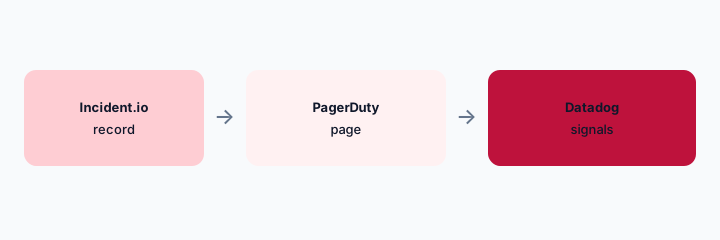
Record check:
Name the record and the pager in one sentence. Other tools are inputs.
Pricing context (October 2026)
We did not open this vendor’s public price table for this review. October 2026 is the date of the page, not a quote. Use the vendor’s live pricing page and your invoice.
If an assist is included or missing on your plan, record that from the admin screen.
Uncertainty: We did not fetch either vendor’s price page for this compare. October 2026 is not a quote.
When it’s useful (honest take)
Useful when both tools are in play and people draft the customer update in the wrong window. Less useful as a mandate to buy either one. Less useful if you wanted a blended “best incident AI.”
Still choosing between Incident.io and PagerDuty AI? The $19 AI toolkit audit gives you a written plan for which tools to keep using and which to drop across your whole AI stack, including this pair.
Prefer to do it yourself? Spreadsheet — $9
Related options (educational)
| Need | Better home | Why |
|---|---|---|
| Status update and timeline | Incident.io | If that is the record |
| Ack and escalation | PagerDuty AI | If that is the pager |
| A scratch outline | Claude for incident ops | Then file it in the record |
| A signal | Datadog Bits | Not the status page |
FAQ
Which should we buy?
This page assumes you are choosing where to type, not running a purchase bake-off.
Can the draft publish?
No. A human publishes.
What if we only have one of them?
Use that one for the job it actually does. Do not pretend it is also the other job.
Where do prices live?
On each vendor’s site and your invoice. Not here.
Optional next step (if seats overlap)
If two AI seats would answer the same question, map the overlap with the $19 AI toolkit audit or the $9 AI toolkit spreadsheet. Email Audit $19 or Toolkit spreadsheet $9.
Checkout is live via Stripe. After you pay, we email delivery (spreadsheet) or intake next steps (audit).