Compare · Ops & automation · Linear vs Jira · Oct 2026
Linear AI vs Jira AI for ops (Oct 2026): speed vs enterprise issue graphs
Ops tracker jobs, not a feature dump. Linear when the team wants a fast backlog. Jira when the issue graph, workflows, and Atlassian neighbors are already the system of record. Both reviews are live: Linear AI and Jira AI.
What this page covers
This page answers one question: for an ops team’s tracker, when does Linear’s speed fit better than Jira’s issue graph? It does not replace the two product reviews. Checklist-style operating procedures (recurring ops work with owners and done-definitions) often fit a lighter board. Cross-team issue graphs, required fields, and long workflow chains usually already live in Jira. AI on either side should draft structure, not invent status.
Major features (with how someone uses them)
Examples at a glance: each feature has a concrete ops example plus a short Try this.
1. Same ops issue list, two structures (primary)
What it is: Take one real ops issue list (incidents follow-ups, access requests, vendor chores). Outline it once as Linear projects and issues, and once as Jira issue types, links, and a workflow. Then say which shape matches how the team actually closes work.
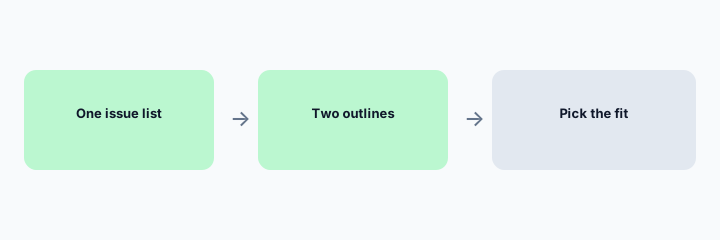
Primary workflow from the Saturday brief:
Same ops issue list: outline Linear vs Jira structure and which fits checklist SOPs.
2. Where Linear’s speed is the point
What it is: Linear AI fits product and ops squads who already run a fast backlog in Linear: short issues, cycles, and a person editing AI hygiene. It is a poor place to recreate a Jira workflow with ten required fields.
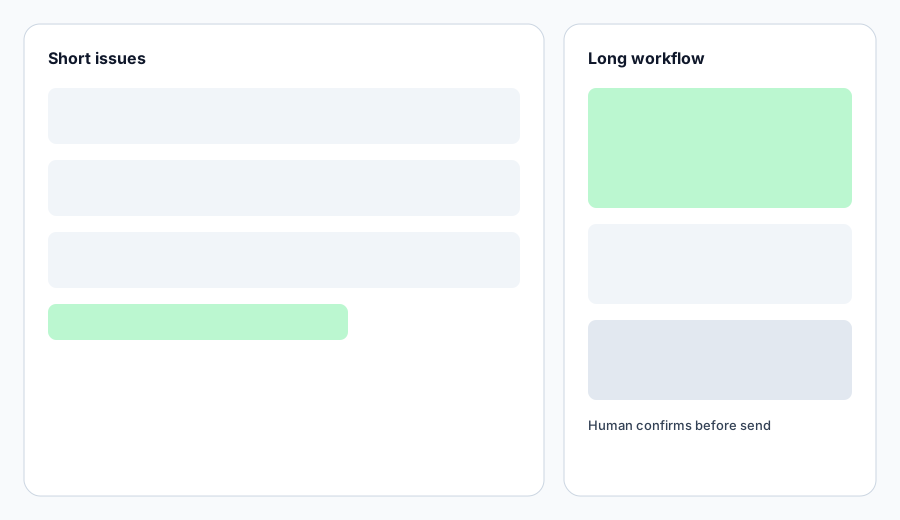
Speed check:
Time one week of updates in the tool you have. If people skip fields, the tool is too heavy for that job, whether or not it has AI.
3. Where Jira’s graph is the point
What it is: Jira AI fits when issues link across teams, workflows are required, or Confluence and Jira are already the record. AI drafts are still drafts. Do not let a model close an issue that a workflow says needs a named approver.
Graph check:
Pick one issue with links. List the links a checklist would lose. If the list is the real process, stay on Jira.
4. Which one fits checklist procedures
What it is: Recurring ops procedures with a done-definition and an owner often do not need an enterprise graph. They also do not need a third tracker. If the procedure is a project checklist, see Asana Intelligence and Asana vs Jira for ops. If it is a product cycle, Linear. If it is a controlled issue, Jira.
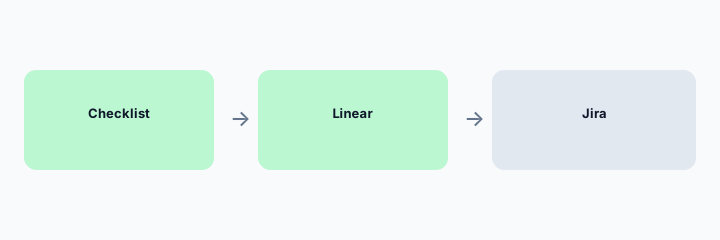
Fit check:
Label each of 8 recurring ops jobs as checklist, fast backlog, or controlled graph. Do not add a tool for a job the current tracker already holds.
Pricing context (October 2026)
This compare does not publish Linear or Jira prices. Both vendors change plans and AI packaging. Read the live reviews and the vendors’ pricing pages before you budget. We do not invent a per-seat number here.
Uncertainty: AI features are often plan-gated. A cheaper tracker that nobody updates is not cheaper. Confirm what is enabled in the workspace you already pay for.
When it is useful (honest take)
Useful when you are choosing where an ops issue list should live, or defending a decision to stay. Less useful if you wanted a ranked winner. The fit depends on whether the work is a checklist, a fast backlog, or a controlled graph.
Still choosing between Linear AI and Jira AI? The $19 AI toolkit audit gives you a written plan for which tools to keep using and which to drop across your whole AI stack, including this pair.
Prefer to do it yourself? Spreadsheet — $9
Related options (educational)
| Need | Better home | Why |
|---|---|---|
| Fast product or ops backlog already in Linear | Linear AI | Short issues; human edits hygiene |
| Enterprise issue graph already in Jira | Jira AI | Links and workflows; human approves |
| Project checklists | Asana vs Jira | Asana when the work is a project, not an issue graph |
| Open or self-host board | Plane AI | When Plane is already the board |
FAQ
Which is better for ops?
Neither in the abstract. Checklist procedures and fast squads often fit Linear or Asana. Controlled, linked issues usually stay in Jira if Jira is already the record.
Do I need both?
Usually no. Two trackers for the same issue list is how status goes stale.
Where are the product reviews?
Linear AI and Jira AI are both live on this site. This page only compares the ops job.
What about prices?
We do not invent them. Check the vendor pages and the two reviews.
Optional next step (if seats overlap)
If several AI seats would cover the same analytics, support, or incident jobs, optional help mapping overlap: $19 AI toolkit audit or $9 AI toolkit spreadsheet. Email Audit $19 or Toolkit spreadsheet $9.
Checkout is live via Stripe. After you pay, we email delivery (spreadsheet) or intake next steps (audit).