Tool · Ops & automation · Sourcegraph · Oct 2026
Sourcegraph Cody review (Oct 2026): code search assists for ops scripts
Cody when the job is finding and explaining ops scripts across repositories you already index in Sourcegraph. It is not a reason to stop using GitHub Copilot Business for inline edits in one repo. The compare is Cody vs GitHub Copilot.
What this page covers
This page is for ops engineers who maintain glue scripts, Terraform, and runbooks scattered across repos. Sourcegraph’s assistant has been marketed as Cody. Naming and packaging have changed in public reporting over the last two years, so confirm what your admin shows before you write Cody into a standard. We did not fetch a price page. The job is search across repos, an explanation that cites files, and a human who still edits the script.

Major features (with how someone uses them)
Examples at a glance: each feature has a concrete ops example plus a short Try this.
1. Find the script before you rewrite it (primary)
What it is: Ask where a cron, a webhook, or an environment variable is set, and require file paths. Open those files. If the answer has no path, it is not a finding. Do not let an assistant invent a repo you do not index.
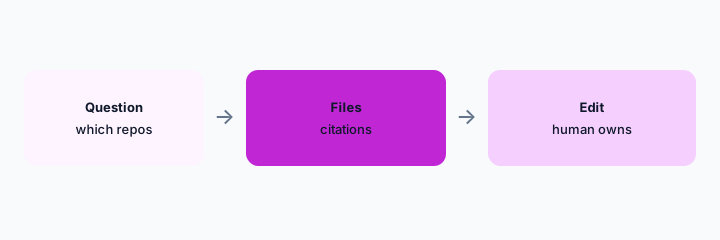
Primary workflow:
Ask where one ops script lives. Require paths. Open them. Discard any repo that was not cited with a path.
2. Explain the script you opened
What it is: Once the file is open, ask what it does, what it calls, and what would break if it failed. The explanation should quote symbols from that file. If it describes a function that is not in the file, delete that part.
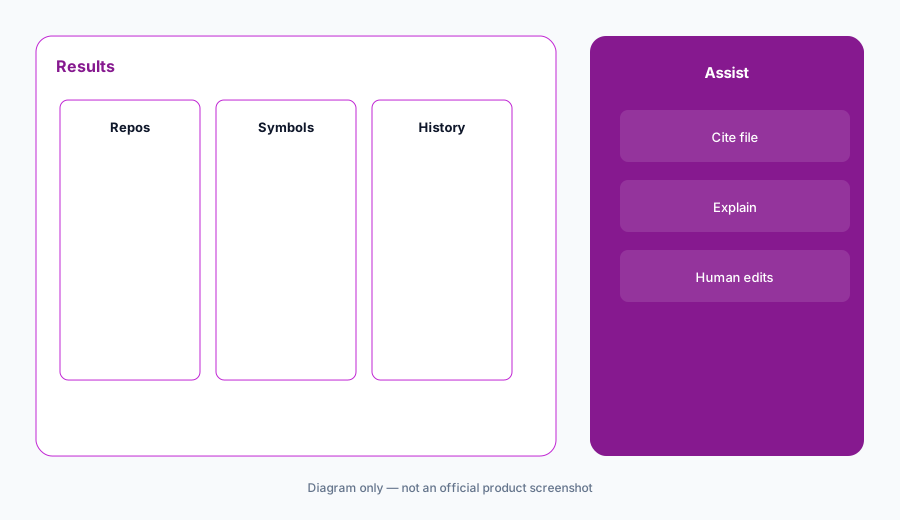
Explain check:
Paste nothing secret. Point at one file. Ask for three behaviors and the symbol names. Check each symbol exists.
3. Do not paste secrets or production data
What it is: Search assists get questions, not credentials, customer rows, or a .env file. If the answer would be better with a secret, the answer is wrong. Rotate anything that was pasted by mistake. This is the same rule as any chat, and ops scripts are where people forget it.
Secret check:
Write three things you will not paste: passwords, customer rows, and private keys. Put that line in the team note.
4. Versus GitHub Copilot and CodeRabbit
What it is: Cody (or whatever Sourcegraph calls the assist on your plan) is for finding code across repos. GitHub Copilot Business is for writing inside the file you already have open. CodeRabbit comments on a pull request. Using all three on the same one-line fix is overlap. The compare page is Cody vs GitHub Copilot.
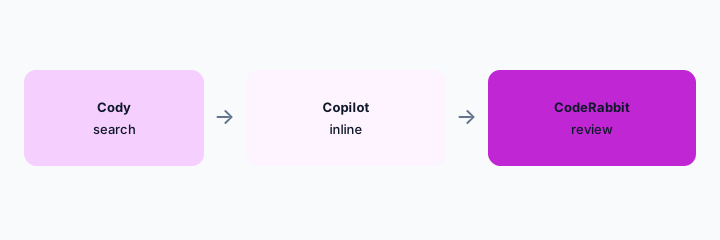
Home for the job:
Sort six recent ops tasks into search, inline edit, or review. One tool each.
Pricing context (October 2026)
We did not open this vendor’s public price table for this review. October 2026 is the date of the page, not a quote. Use the vendor’s live pricing page and your invoice.
If an assist is included or missing on your plan, record that from the admin screen.
Uncertainty: Names, limits, and which workspaces have the assist change. This page does not claim a dollar price or a general-availability date.
When it’s useful (honest take)
Useful when many repos hide the ops script you need and the answer cites a path you can open. Less useful if code search is not indexed for those repos. Less useful as a second inline coder beside Copilot on the same seats.
Paying for Sourcegraph Cody and a few other AI tools? The $9 AI toolkit spreadsheet lists every AI subscription you have, what each one costs, and how fast it pays for itself, so you can see which ones are worth the money.
Want someone to do it for you? AI toolkit audit — $19
Related options (educational)
| Need | Better home | Why |
|---|---|---|
| Find a script across repos | Sourcegraph assist (this page) | Demand a file path |
| Edit inside one file | GitHub Copilot Business | Stay in the editor |
| Comment on the pull request | CodeRabbit | One review voice |
| Side-by-side | Cody vs Copilot | Pick the job first |
FAQ
Is the product still called Cody?
Confirm in your Sourcegraph admin. We use Cody because that is the public name people search, and we say to verify.
How much does it cost?
We do not say. Check Sourcegraph’s current pricing and your contract.
Can it commit?
A human edits and reviews. A search answer is not a commit.
Do we need it if we have Copilot?
Only if cross-repo search is a real weekly job. Otherwise it is a second seat.
Optional next step (if seats overlap)
If two AI seats would answer the same question, map the overlap with the $19 AI toolkit audit or the $9 AI toolkit spreadsheet. Email Audit $19 or Toolkit spreadsheet $9.
Checkout is live via Stripe. After you pay, we email delivery (spreadsheet) or intake next steps (audit).